Document Management System (DMS)
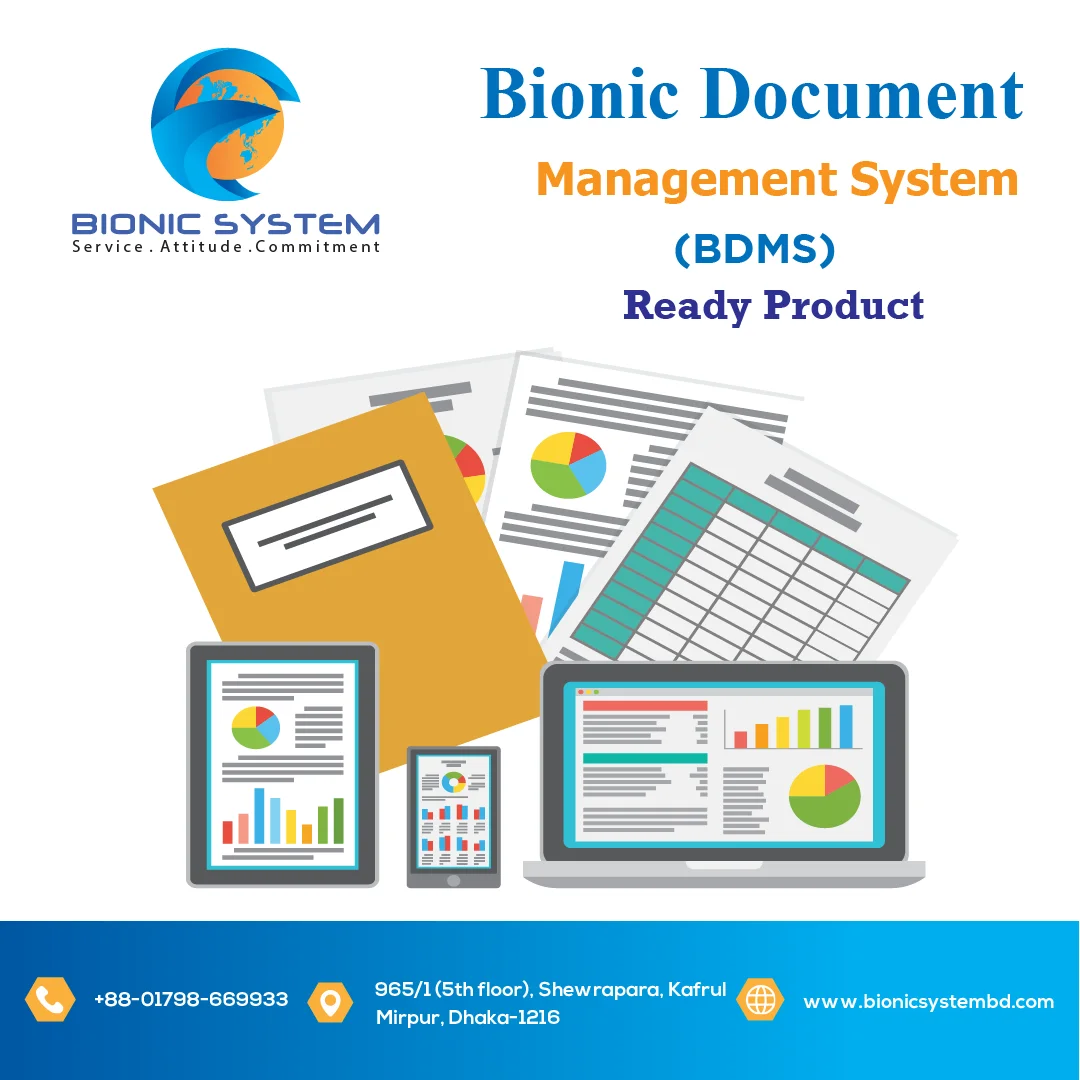
A Document Management System (DMS) is software that helps organizations store, organize, track, and manage electronic documents and digital files throughout their lifecycle. It replaces paper-based filing with an efficient digital approach, improving access, security, collaboration, version control, and compliance.
In short, a DMS helps you:
Centralize documents
Find files quickly
Control access and versions
Automate workflows
Ensure compliance and auditing
This module brings documents into the system from multiple sources:
Scanning from physical paper
Bulk import of electronic files
Optical Character Recognition (OCR) to convert scanned images into searchable text
Email and digital form ingestion
Key benefits:
Reduces manual data entry
Makes scanned documents searchable
This is the central repository where documents are stored securely.
Functions include:
Hierarchical folder structure
Metadata tagging (keywords, project codes, departments)
Indexing for fast search
Support for multiple file types (PDF, Word, Excel, images)
Key benefits:
Reduces duplicate files
Speeds up retrieval
Powerful search capabilities to find documents instantly:
Full-text search
Metadata filtering
Advanced search queries
Saved searches
Key benefits:
Eliminates time wasted looking for files manually
Improves productivity
Maintains a history of every document change:
Automatic version numbering
Check-in/check-out control
View or revert earlier versions
Key benefits:
Prevents accidental overwrite
Keeps track of document evolution
Protects documents and enforces who can do what:
Role-based access
User/group permissions
Encryption at rest and in transit
Audit trail of user actions
Key benefits:
Ensures confidentiality and compliance
Tracks user activity for accountability
Supports teamwork on documents:
Document commenting
Shared workspaces
Real-time co-authoring
Notifications and alerts
Key benefits:
Reduces email attachments
Improves team coordination
Automates business processes involving documents:
Approval routing
Task assignments
Notifications and reminders
Conditional logic
Key benefits:
Faster processing
Reduced manual errors
Ensures proper lifecycle and legal compliance:
Retention schedules
Automatic archiving or deletion
Regulatory compliance reporting
Key benefits:
Reduces legal risk
Enforces corporate policies
Tracks everything happening in the system:
Document access logs
User activity reports
Workflow performance metrics
Compliance history
Key benefits:
Supports governance and audits
Provides insights for improvement
Connects the DMS with other enterprise systems:
ERP (SAP, Oracle)
CRM (Salesforce)
Email platforms (Outlook, Gmail)
Cloud storage (OneDrive, Google Drive)
Key benefits:
Reduces silos
Streamlines business apps